
Features EPSX EMU - Emulator
EPSX EMU Emulator FREE includes fast extra PSX and PSOne emulator related functionalities not present on the original hardware that we think can improve players experience.
EPSX EMU Emulator offers screen up-scaling and has a layout for playing in landscape mode as promised in the original proposal.
You can now play all your old favorites games for PSX and PSOne in EPSX EMU Emulator its work in phone and tablet.EPSX EMU Emulator FREE is the only app run super fast with your old PSX and PSOne games.
You can record your level of the game PSX in any time.
with EPSX EMU Emulator you can save your battery to the MAX.**** for find bios go to settings/apps/ choose app name open permission and allow storage permissions *****How to Set up EPSX EMU Emulator FREE :(1)Download EPSX EMU Emulator.(2)You need to have BIOS SCPH1001.BIN file.
Note that you can use it only if you own it.(3)Next you find your rom/iso/game EPSX EMU if you own it.(4)You need to put roms on your phone.
The usable file types includ .bin, .iso, .img, .php, .z, .znx, and .eboot; If they are already those format, you can skip to (7).(5)If your rom has a compressed file formatted as; .zip, .7z, .rar etc...
You will need to “unzip” them.
You can use a few different programs for this: Winzip, 7-zip, Unrar, and Winrar, to name a few.
If you put the zip file directly to your phone you can use Astro, Androzip, Unzip, Unrar.
If you used ROm Buddy, it should ahve unzipped it for you.
When unzipping, keep opening up the main file folders to check to see if somewhere in the zipped rom you have a file called “data.bin.ecm”.(6)Create a folder on your PC called “psx” or whatever you wish, this is just how I organized it.
In that folder, create a folder called “Bios” and a folder called “Games” Put the Bios in the bios folder and the Rom in the games folder.
For each game you will want to create its own Game Specific Folder.
Save-states are saved in the same folder as the rom, this way you can keep everything together.(7)Plug your phone into the computer via the USB cable.
or, another easier way, is to remove your sd card from the phone and plug it into your computers card slot or into a card reader then into the usb drive of your computer .
If your phone gives you the option, select Mount or Disc Drive.
Copy the .psx folder to your phone, preferable the sdcard.
(Games can take up a lot of space, 4 disc game = 2gb+ of memory!!).
Once copied, un-mount and unplug your phone from the computer, or remove your card from your PC and put it back into your phone.(8)Now we can load up EPSX EMU Emulator!!!(9)Selecting the BiosYou will see this pop-up once you open EPSX EMU Emulator.If not there already, go into Menu - Settings - Select “PSX BIOS file”Select the Bios you just put on the phone.
SCPH1001.bin(10)Once the bios is selected, go back to the ROM selection page.
Navigate to where you put your folder and select the game you want to play.(11)Play your game already!!!!Hardware requirements :*CPU: 1.0GHz Dual-core*RAM: 1GBEPSX EMU Emulator is NOT affiliated with, nor authorized, endorsed or licensed in any way by Sony Corporation, its affiliates or subsidiaries.
All trademarks are property of their respective holders.EPSX EMU Emulator does not include any PlayStation , PlayStation 2 and PPSSPP game softwares.
We do not warrant compatibility with all PlayStation , PlayStation and PPSSPP 2 games.
As a matter of fact, there may be defects in certain games, including, but not limited to, audio and video flaws, which may affect how the games play.EPSX EMU Emulator is distributed based on GPL, whose source code is located at www.shorturl.at/afoyR Please note that you have all the rights reserved by GPL.
Music Features
Enjoy high-quality music streaming and playback features.
Gaming Features
Enjoy immersive gaming experience with various game modes.
Camera Features
Advanced camera features with editing capabilities.
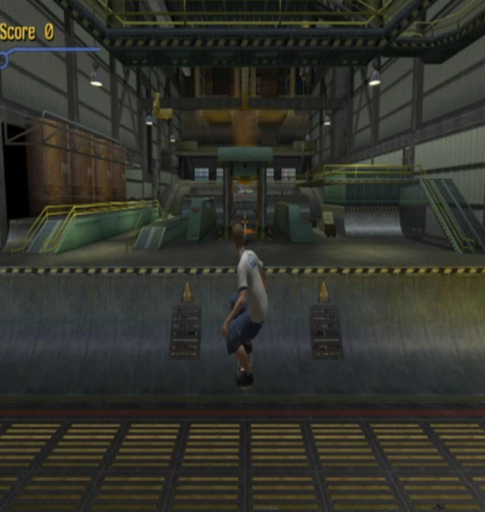
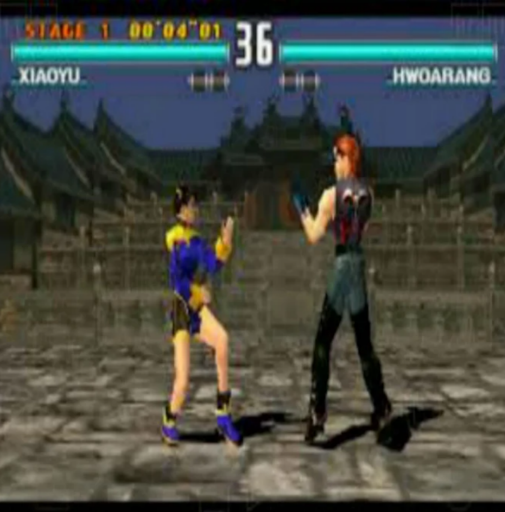
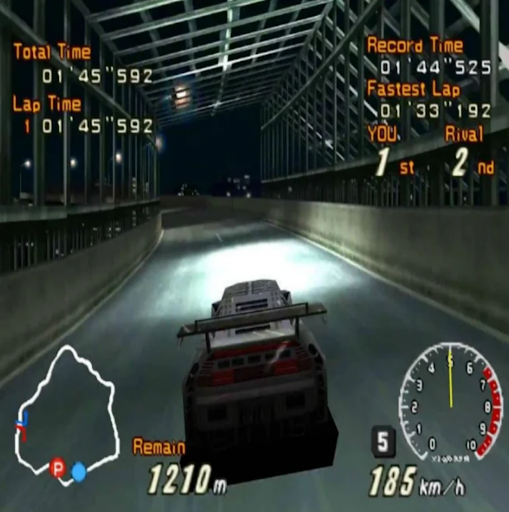
See the EPSX EMU - Emulator in Action
Get the App Today
Available for Android 8.0 and above